

rbp
-
Posts
1,308 -
Joined
-
Last visited
-
Days Won
3
Content Type
Profiles
Forums
Blogs
Gallery
Downloads
Events
Store
Everything posted by rbp
-
USB-C charging is also bi-directional and daisy-chained. So you can charge your phone from your tablet or laptop (no need for a battery bank), and you can *simultaneously* charge your phone off your laptop USB port while the laptop is being charged (without impeding charging the laptop).
-
fast charging requires support in all three participants: charger, thing being charged, and cable. by specification, USB-A can carry max 5V and 500mA. USB-A to Lightening supports up to 2.4A (mostly for iPads). This will not give you fast charging, regardless of what came "in the box" with your device USB-C supports "USB Power Delivery" which is not just a wire specification, but also the ability to negotiate up to 240W of power at various voltages, which is why MacBook and Dell laptops power supplies use USB-C here's an example of a TSOd USB power supply that supports Power Delivery over USB-C https://truebluepowerusa.com/products/aviation/usb-charging-ports/ta360/

-
Yes, if someone decides to put -A in a new panel, which I am suggesting, is shortsighted. I’ve never suggested that anybody rip out the existing –A
-
And you will not get fast charging for your phone tablet or computer using that cable
-
so for your 91.205 clock,you use a plug a clock radio in to your panel? :):):)’ i’ll repeat the point for all the naysayers out there — things you want to plug into your airplane — phones, tablets, gopro, stratus, etc — are all going to be USB-C by the end of the year. this has nothing to do with clock radios, keyboards, mice, etc that you might be using at home
-

Alt Field On or Off during engine start and shutdown
rbp replied to bucko's topic in General Mooney Talk
I’m gonna get out on a limb here and say that in the grand scheme of things the ALT switch position doesn’t matter one way or another -
They are both there The EIS strip should show all with the 4 cyl bar graph
-
Alt Field On or Off during engine start and shutdown
rbp replied to bucko's topic in General Mooney Talk
since the ALT switches are right next to the Avionics Master, it would be hard to forget -
I don't have the answers to your questions off the top of my head. When you think you might want a PFD, you might want to read the manual. and I'm not a flight engineer, and don't pretend to be one. I upload my EIS logs to SavvyAviation and they review them.
-
Honestly, folks I don’t have a horse in this race. I don’t care if you buy JPI or Garmin, or something else, but I think anyone considering a new panel should have a fair representation of what the Garmin EIS can do, and it’s unique benefits
-
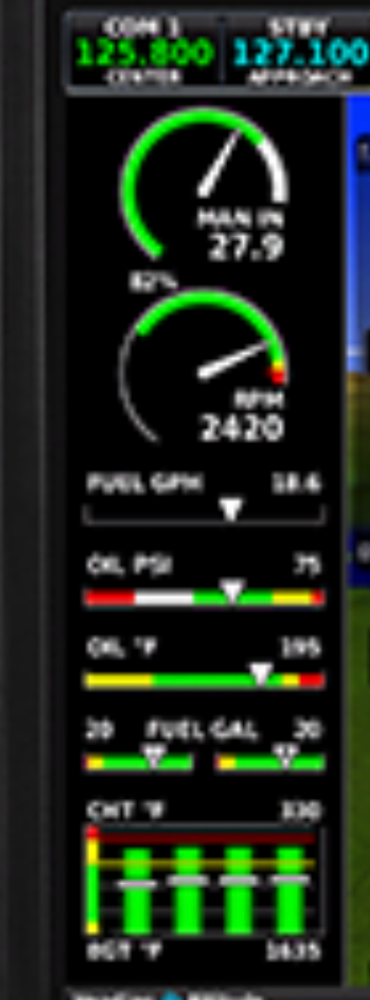
Here, I found a picture for you, but it’s not very Hi-Rez
-
Depends on your plane. Mine being turbocharged, TIT and fuel flow are primary. with the four-cylinder version you can show a bar graph of all four cylinders in the EIS strip. Not for 6
-
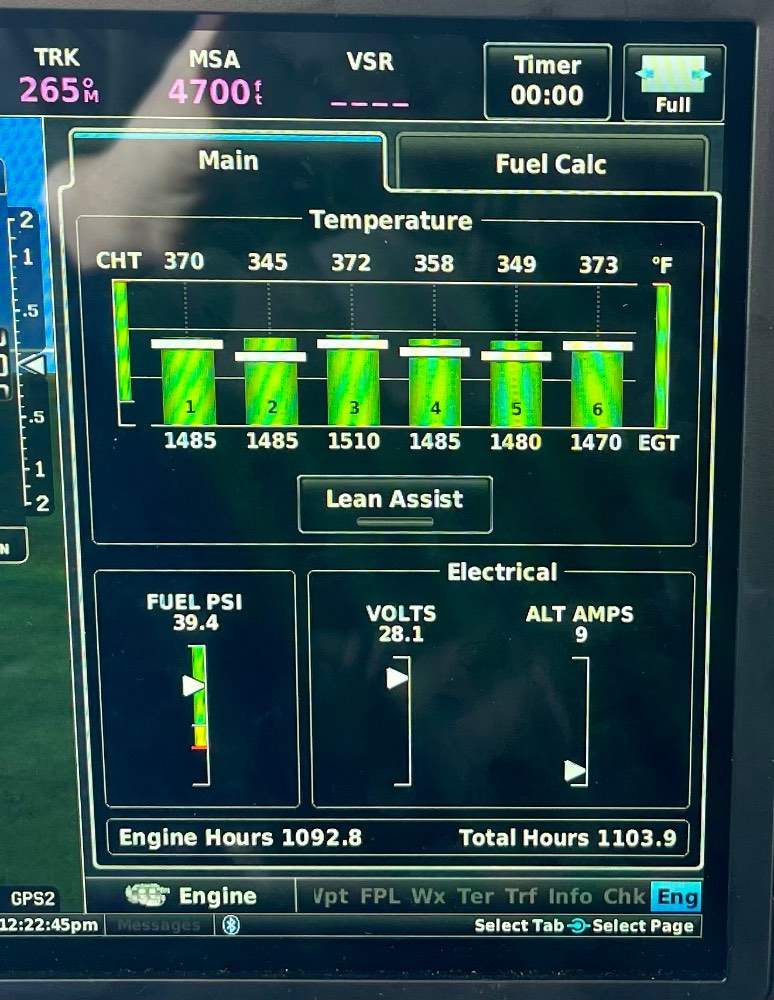
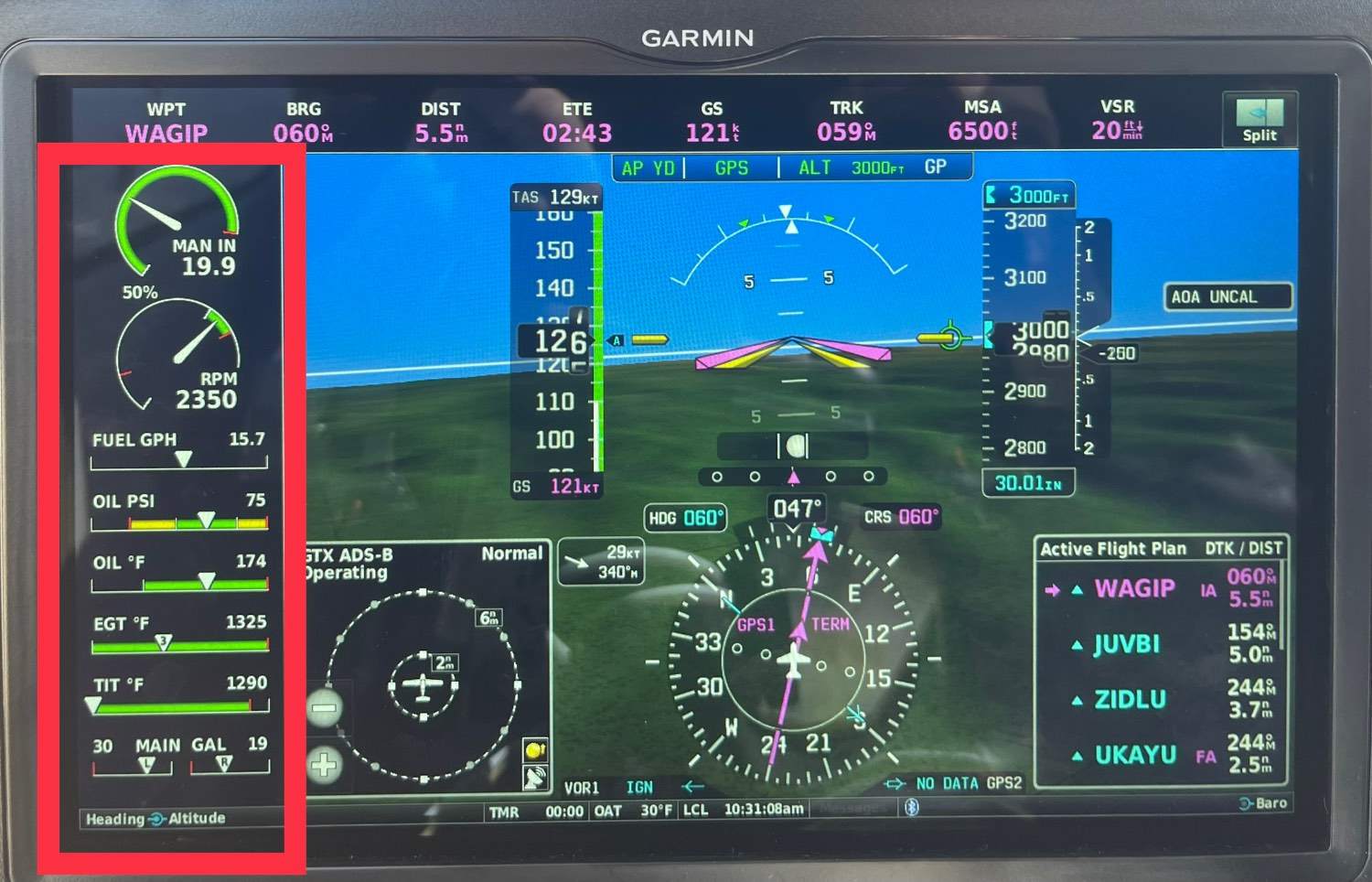
You can configure the display to your liking. In the split scree mode, its only showing the things that are not already in the EIS strip. The EIS strip can be on the left or on the right side of the display. The MFD split can be either on the left or the right. I happen to have it set up with the EIS trip on the left and the split on the right if they were both configured to be on the same side, you would see all the gauges together This is the display on the MFD
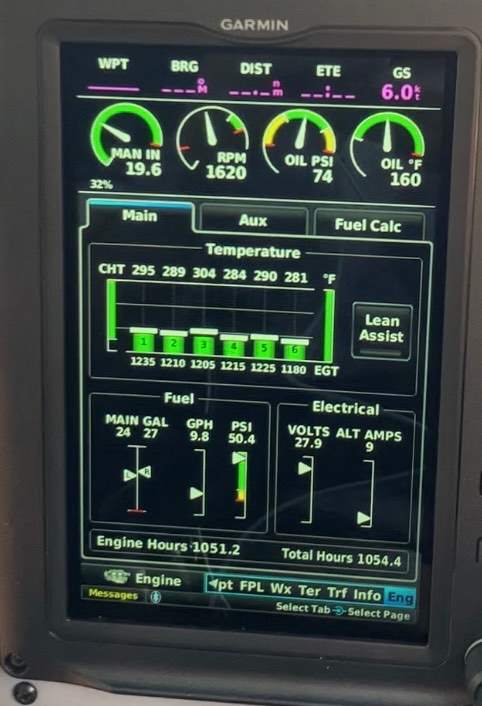
-
and this is the split-screen detail view.
-
This is the EIS strip on the G3X it’s hi-res — should be able to zoom in
-
Here are some more cool G3X EIS graphs that I posted
-
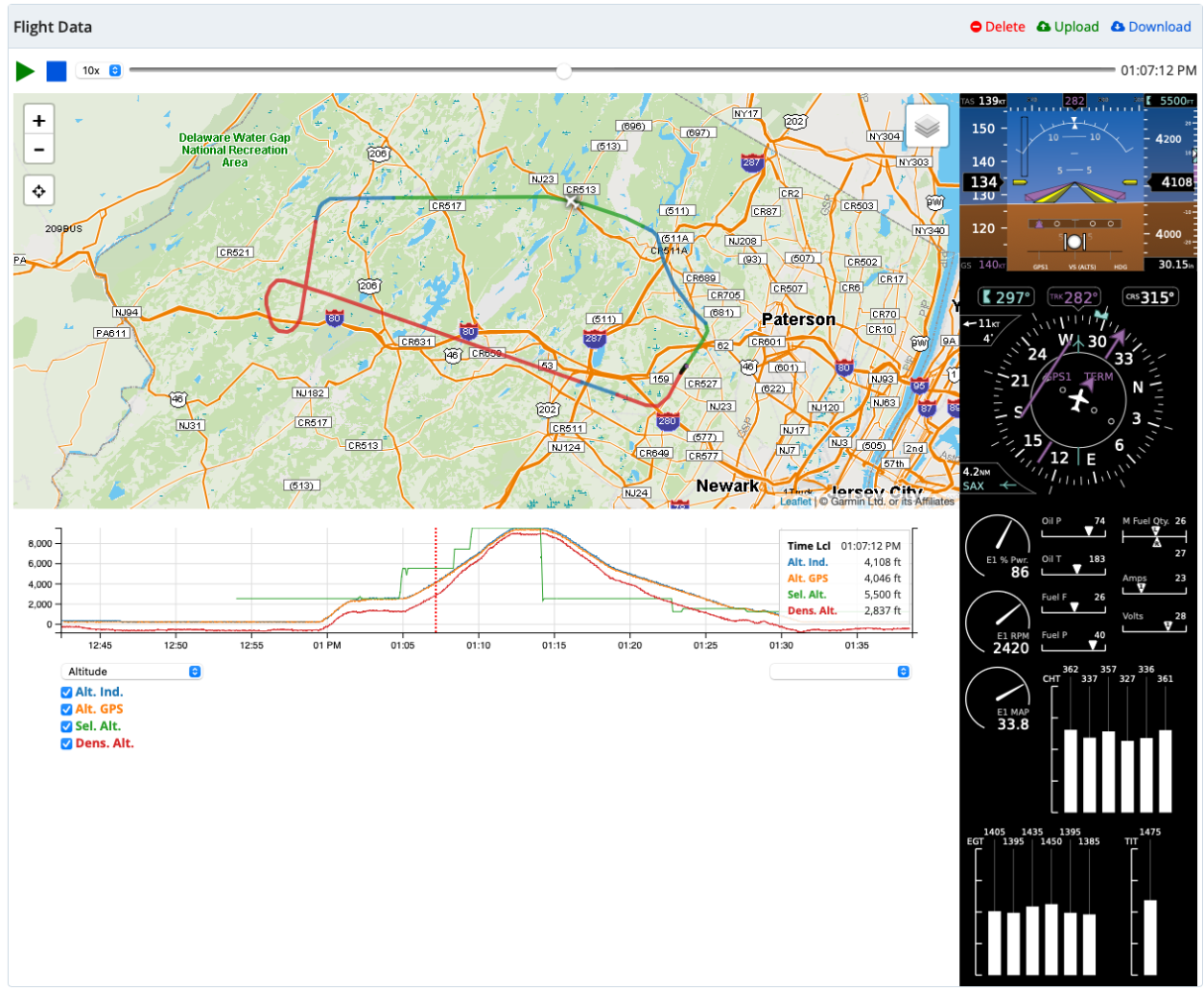
Lots of different software does this, but this particular screen comes from the Garmin “IflyGarmin” website
-
if you're getting a G3X and you're debating Garmin EIS versus another one, I would recommend the Garmin for the simple reason that the log files on the G3X SD card will integrate the engine instrumentation with all the G3X (and GFC500) data, as you can see here
-
He and his partner came to see my M. in Linden this weekend
-
I don’t know about the older mooneys, but I bought a very shallow adapter and it still wouldn’t fit in my M cigarette lighter
-
If it just has a cable, then yeah it could be -A. If there’s a connector on the actual device it’s not
-
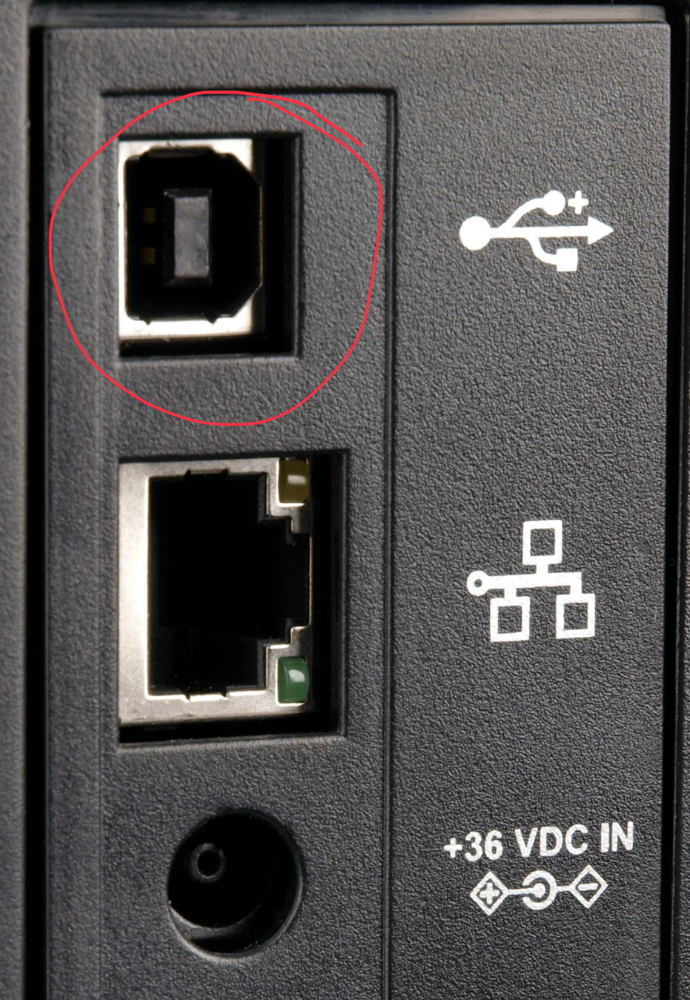
So, there are no *devices* that use USB-A. The original USB spec (which includes USB-A) was asymmetric — USB-A for the computer / charger side of things, and USB-B (photo) for the device side of things. the -B form factor was so unwieldy, it was only used on printers and scanners, and devices like phones and cameras used mini- and micro-USB, which was much smaller, but served the same purpose as USB-B. and apple invented Ligtening-to-USB-A for its original phones/tablets (supplanting the iPod and Iphone 1 30-pin connector) USB-C is symmetrical. you can use either side of the cable however you want, and its not polarized, so you don’t have to get the orientation

-
haha — 200 indicated
-
Ferry Pilot Needed! M20M Cincinnati to Denver
rbp replied to PhateX1337's topic in General Mooney Talk
did you get it moved? -
All new samsung and huawai android phones/tablets, Kindles, GoPros, Bose consumer headsets, Stratus , Apple laptops are USB-C only. All dell laptops now come with USB-C (some also still have -A, but not for long). iPhone / iPad / Airpods will all switch over (from Lightening) this year. The EU has mandated USB-C for: “mobile phones, tablets, digital cameras, headphones, headsets, handheld videogame consoles, portable speakers, e-readers, keyboards, mice, earbuds and portable navigation devices. Laptops will have to be adapted to the requirements 40 months after the law enters into force.” You can continue to use USB-A to USB-C connectors to connect to power, but you will not get fast charging unless you use USB-C to USB-C cables.